
Image Generator
- Home ›
- Using NimGPT ›
- Image Generator
Image Generator
NimGPT provides in-app image generation. Define a prompt and aspect ratio, combine with an optional aesthetic, and get creating!
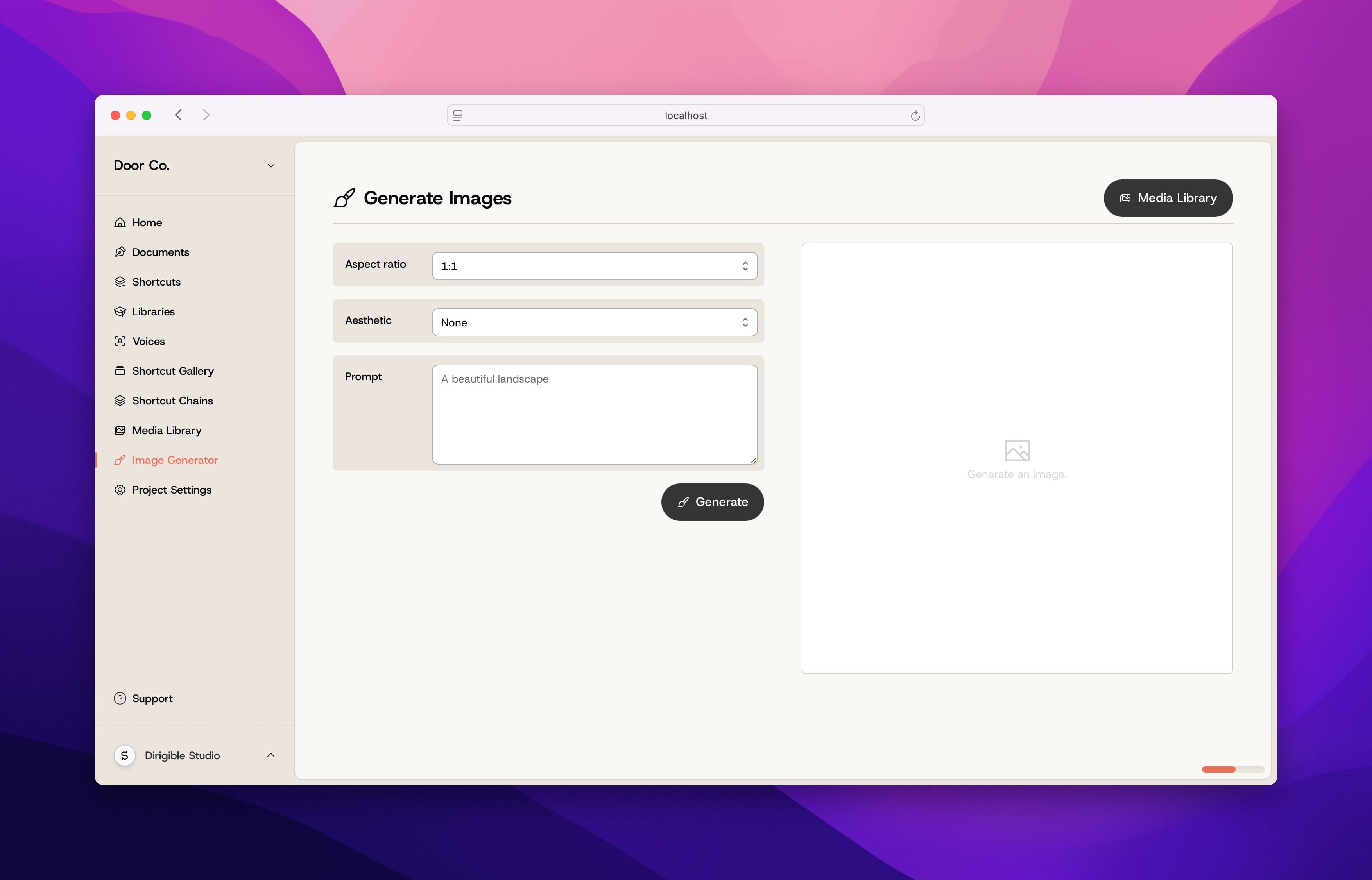
You can access Nim’s image generation by going to the Image Generator page. From here, you can create images by defining an aspect ratio and a prompt. Optionally, you can choose an image aesthetic for Nim to use.
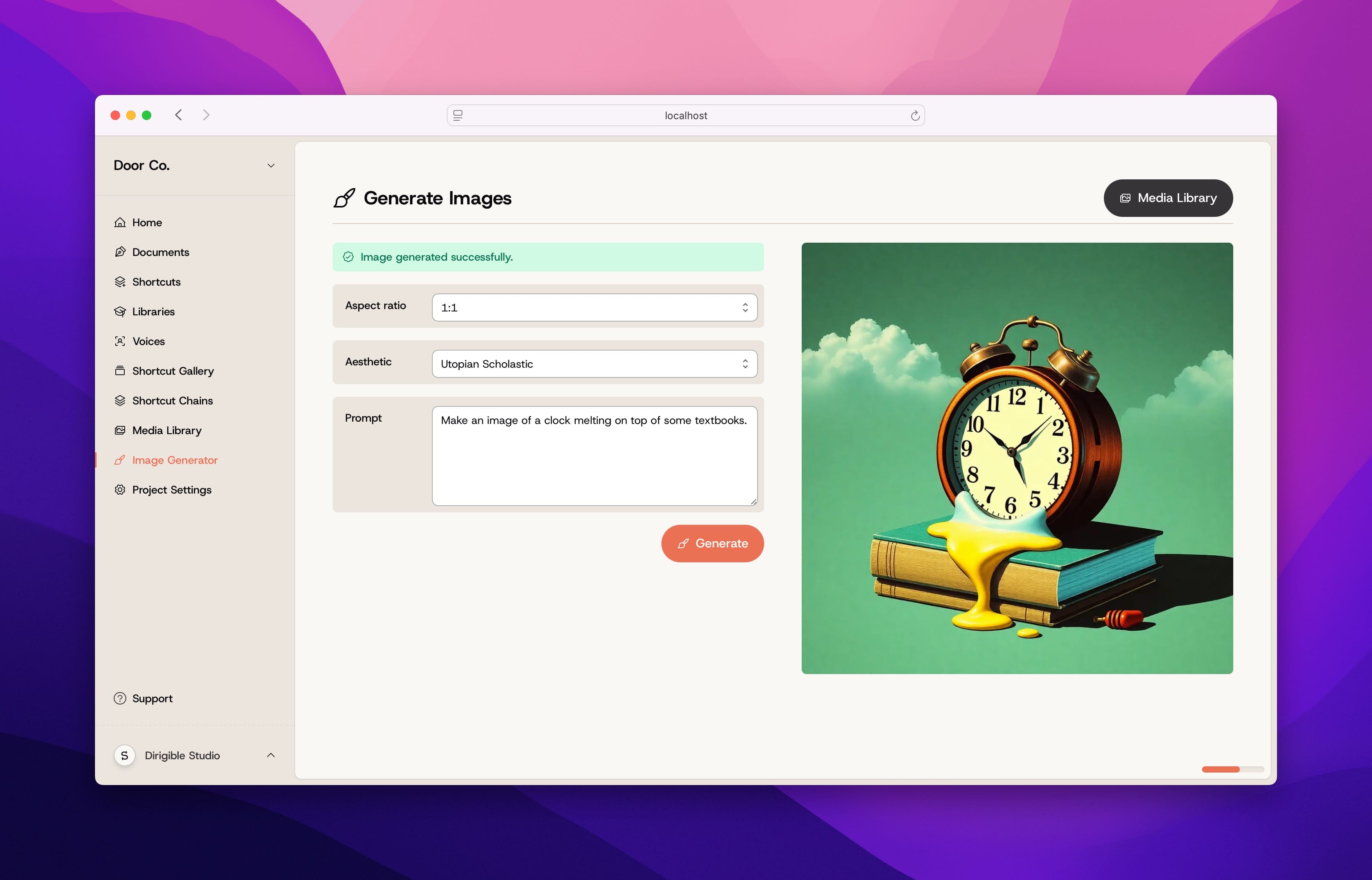
Clicking Generate will generate an image. You can refine your prompt and generate more images, or visit your Media Library to see previous images you’ve generated.
To provide the best experiences, we use technologies like cookies to store and/or access device information. Consenting to these technologies will allow us to process data such as browsing behavior or unique IDs on this site.